Subhadra App Truth: Why You Can’t Do Your Own eKYC
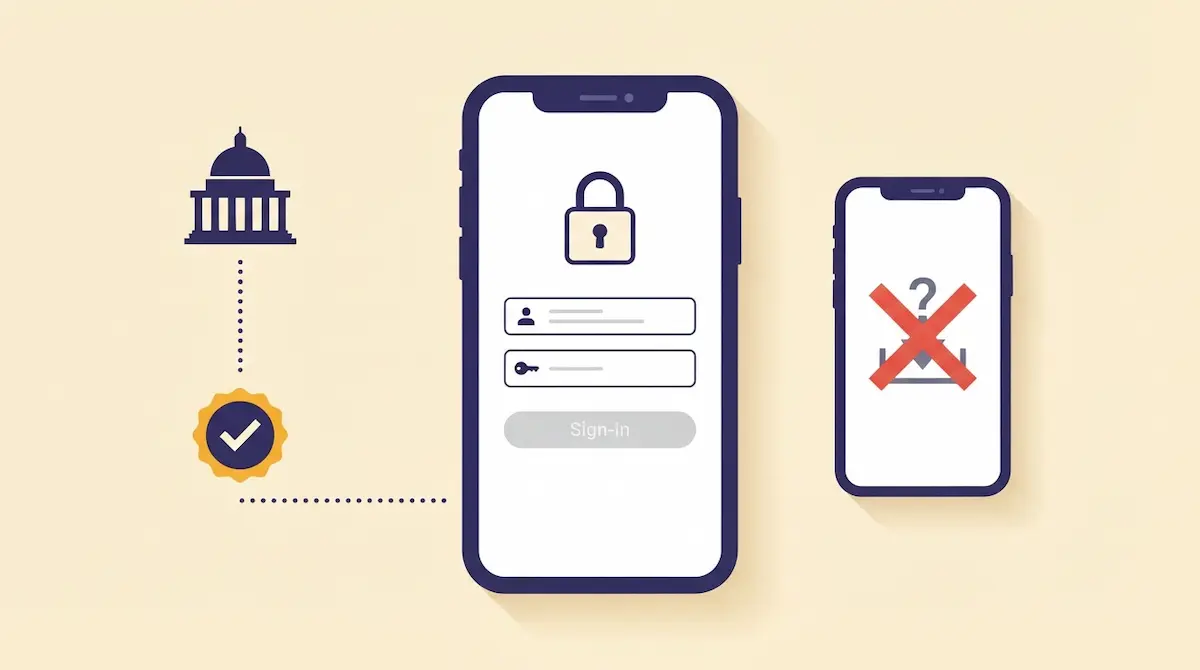
The Subhadra app on Google Play will not complete your eKYC. Its own description says Designated Agencies log in to the app and conduct the Aadhaar e-KYC of applicants. You are the applicant. The login belongs to the operator.
This confuses thousands of women every installment cycle. You install the app, open it, and hit a login screen that your mobile number will never pass. Nothing is broken. The app was never built for your side of the counter.
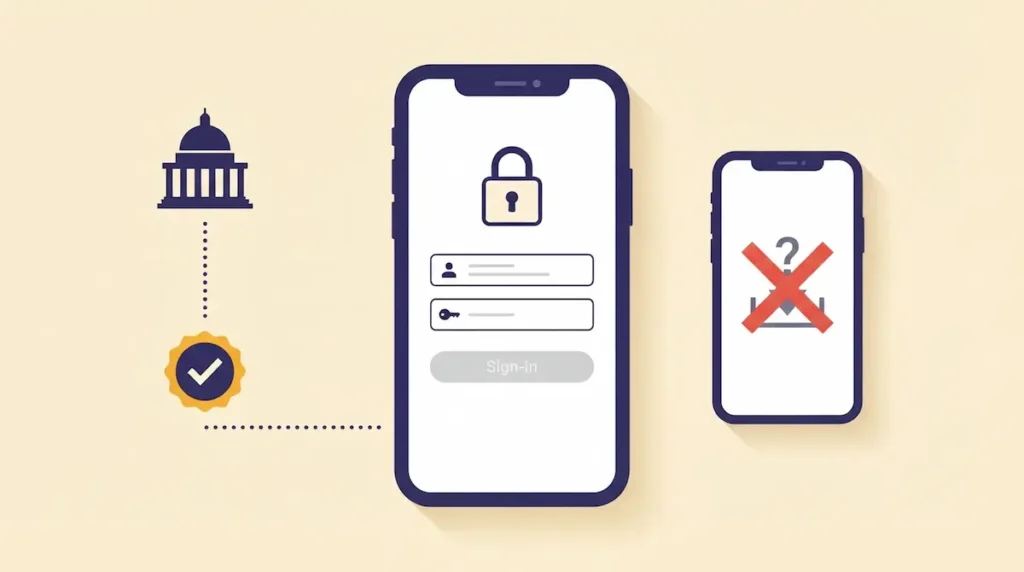
What the app actually does
Once an authorised operator logs in, the app takes their consent, asks them to pick a verification mode, and accepts your Aadhaar number. Verification then runs through either Aadhaar OTP or Aadhaar Face Authentication. Your face and your Aadhaar are used — the credentials that open the app are not yours.
There are two government apps, not one
| App | Package ID | Built for |
|---|---|---|
| Subhadra | com.wcdodisha.subhadra | Designated Agencies doing Aadhaar e-KYC |
| Subhadra FET | com.wcdodisha.subhadrafet | Field enquiry officers doing home verification |
Subhadra FET captures live photos and GPS location during a home visit. It is the tool behind the field enquiry stage. Neither app is a beneficiary app.
How to check any app claiming to be Subhadra
Run these five checks on the Play Store page before installing anything:
- Developer name reads Odisha WCD. Tap it — the real developer block shows Women and Child Development Department, Odisha State Secretariat, Sachivalaya Marg, Unit-2, Bhubaneswar 751001.
- Package ID in the browser URL matches
com.wcdodisha.subhadraexactly. This is the one field a copy cannot reuse. - Support email is itwcd.od@gmail.com.
- Website link points to subhadra.odisha.gov.in, and the privacy policy is hosted on that same government domain.
- Install path. Only from Google Play. An APK arriving through WhatsApp or Telegram has no verified publisher behind it, whatever the icon looks like.
Anything asking for a fee, an OTP over the phone, or your bank password is not a government process. The department charges nothing for eKYC.
Where your eKYC is actually done
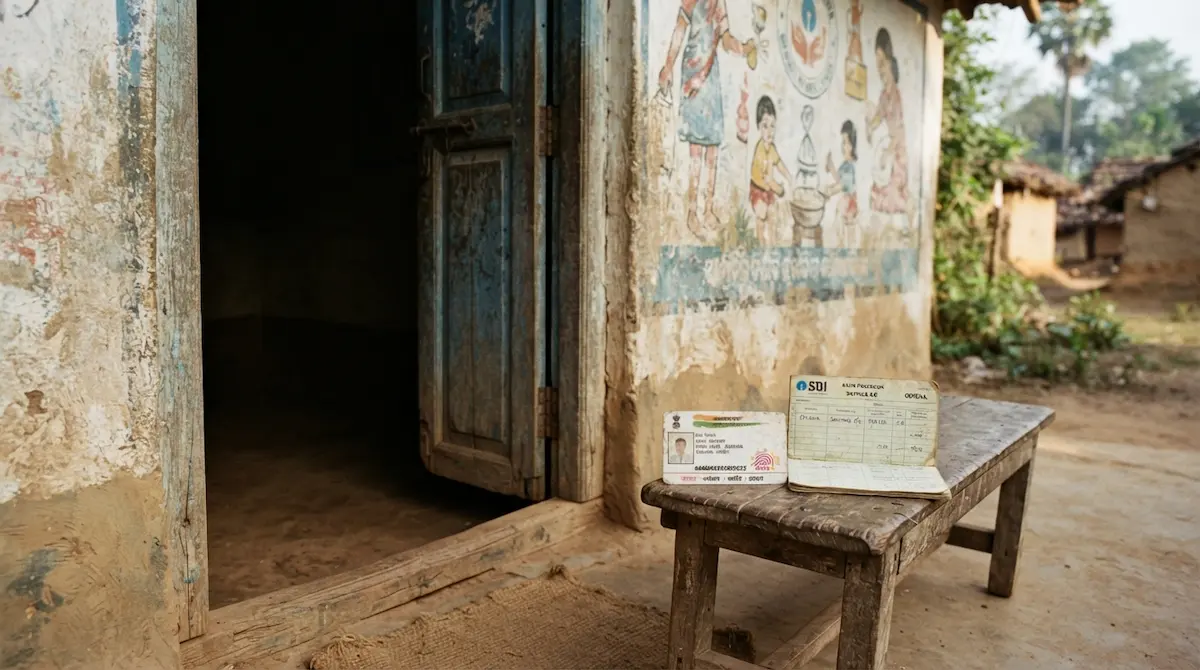
At a Mo Seva Kendra, Jana Seva Kendra, or your Anganwadi centre. Carry your Aadhaar card and the phone linked to it. The operator opens the app; you provide the face scan or OTP. The step-by-step version is in our Face eKYC guide.
To check status yourself, use subhadra.odisha.gov.in in Chrome. The portal works on mobile browsers. That is the beneficiary-side tool.
What 547 reviews reveal
The Subhadra app has passed 1 lakh downloads and holds 3.6 stars. Read the reviews and the pattern is unmistakable: they are mostly from women who installed it hoping to track a payment. One review from September 2024 asking for an applicant status feature has been marked helpful by 159 people. Another, from November 2025, states flatly that it is not for general people.
Those installs are the measure of the gap. A department app sitting at six figures of downloads, with most of them from people it was never designed to serve.
Last verified: 2 August 2026, from the Google Play listings and subhadra.odisha.gov.in.