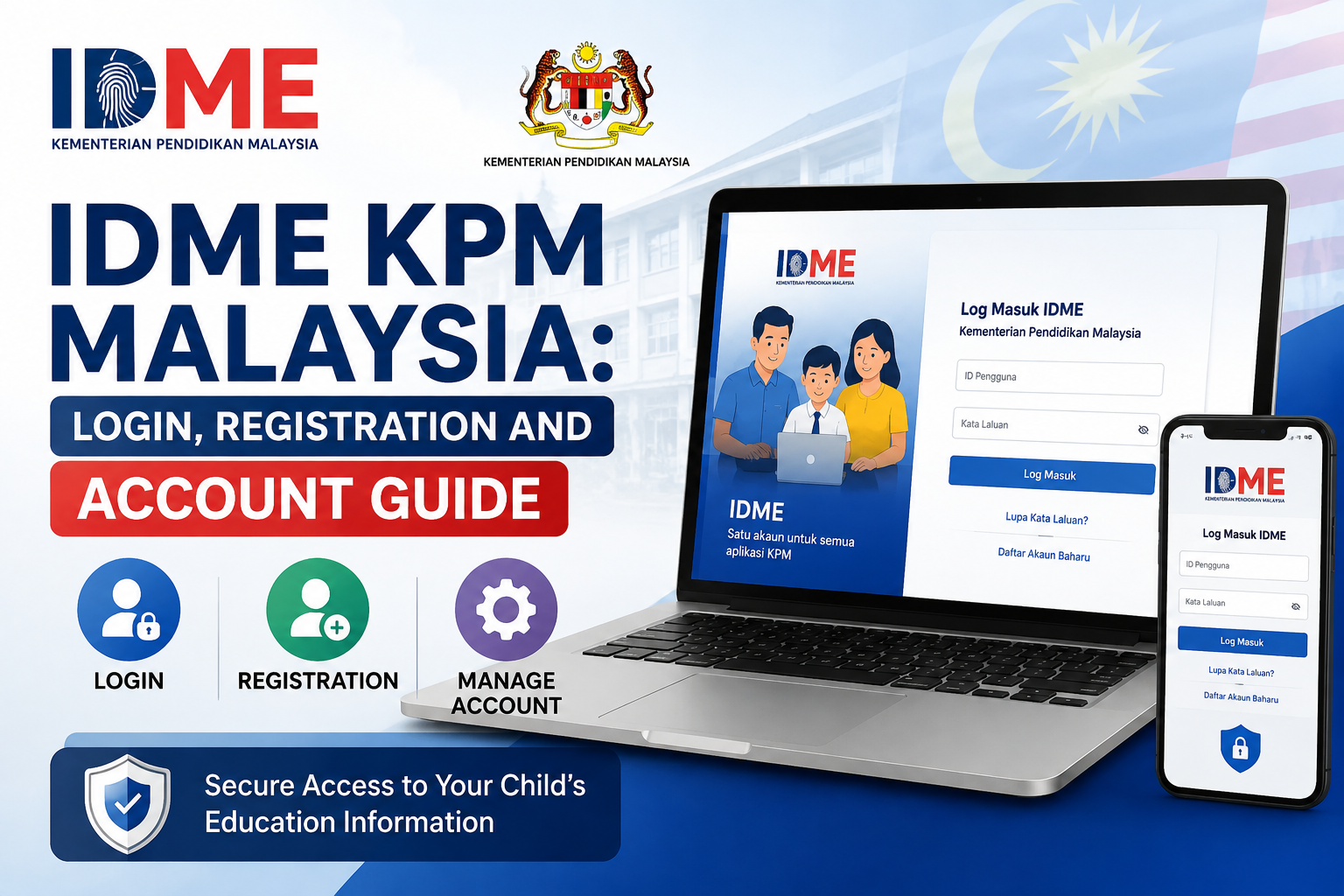
IDME KPM Malaysia: Login, Registration and Account Guide
Parents, teachers, and students dealing with Malaysia’s government education system will regularly encounter the term IDME KPM. For a practical walkthrough of login steps, new account registration, password recovery, and profile updates, resources such as http://idmekpm.com.my are a useful starting point before signing in to the official Ministry of Education portal. This article explains what IDME KPM is, how the login and registration process works, and what parents need to know to manage their account and their child’s records with confidence.
What Is IDME KPM?
IDME KPM, short for Identity Management System, is the identity verification and single sign-on (SSO) platform built by the Ministry of Education Malaysia (Kementerian Pendidikan Malaysia, KPM). Its main purpose is to store and verify the credentials of users across many different sectors connected to the education system, including ministry staff, agency personnel, private institutions, students, parents, guardians, educators, institution operators, and members of the public.
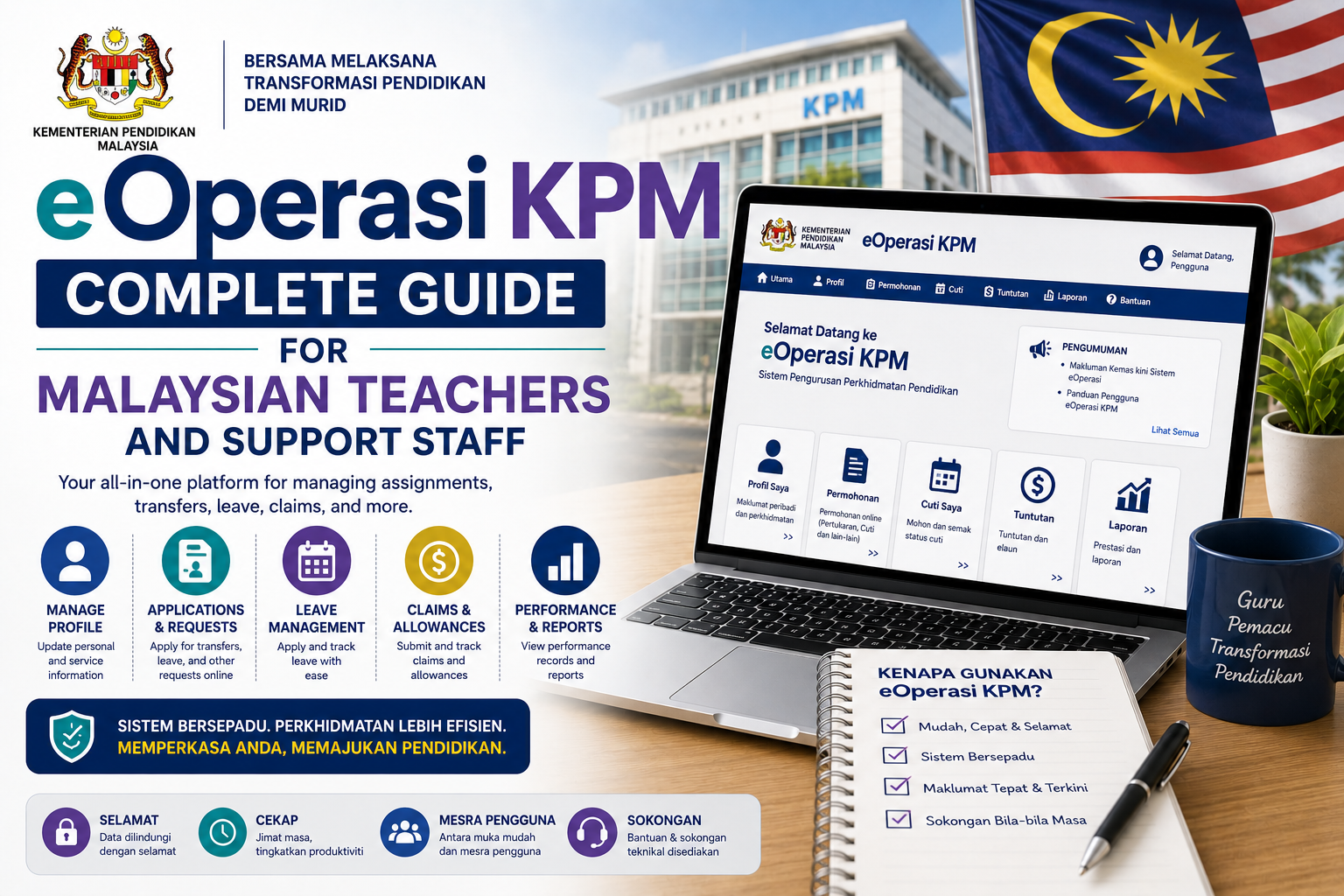
The system acts as the primary repository for user identity management, tagging each credential with a specific role that controls which modules a person can access within the ministry’s Integrated Management System (MOEIS). Because it functions as a single sign-on layer, users only need to log in once through IDME KPM to reach connected applications such as APDM (student attendance management), eRPH (lesson planning), e-Operasi (staff and operations management), and the Year 1 registration module, without repeatedly entering credentials for each individual system.
By centralising identity verification, the ministry aims to reduce duplicated user records across the education ecosystem and ensure that access rights are consistently and securely enforced for every type of user, from a first-time parent registering a child to an experienced school administrator managing hundreds of student files.
Who Uses IDME KPM?
The platform is built to serve a wide range of users within Malaysia’s education sector:
- Parents and guardians use it to register their children for Year 1, update family and student information, and check school placement results.
- Teachers use it to access student data, manage classroom records, and reach internal modules such as e-Operasi and eRPH.
- School administrators and principals rely on it for broader student data management, institutional reporting, and staff administration.
- Private institutions and agencies use it where their operations are integrated with the national education system.
Because so many services now run through this single identity layer, having an active and correctly configured IDME KPM account has become a practical necessity for most families with children in government schools.
Step 1: Registering a New Account
New users need to create an account before accessing any IDME KPM services. The registration process typically follows these steps:
- Open a web browser and navigate to the official portal.
- Select the option for new users, usually labelled “Pengguna Baru” or “Daftar Baru.”
- Fill in the required fields, including full name as stated on the identity card, a valid and active email address, and an active phone number.
- Confirm the email address where prompted, since verification links or temporary passwords are sent there.
- Complete the “I Am Not a Robot” checkbox and any CAPTCHA verification shown on screen.
- Submit the form by clicking the registration button.
After successful registration, a temporary password and account details are usually sent by email. New users should log in with the temporary password first and then immediately change it to a stronger, permanent one to keep the account secure.
Step 2: Logging In to Your Account
Once an account exists, logging in is straightforward. Users open the official login page, enter their registered identity card number as the user ID, and provide their password. It is worth double-checking that the identity card number is entered without dashes or extra spaces, since even a small formatting error can cause the system to reject a valid login.
After a successful login, the system opens the main Identity Management System dashboard, from which users can access the Public Administration Module, view their profile details, and reach any connected services their role permits, such as the Year 1 registration system or student data modules.
Step 3: Resetting a Forgotten Password
Forgetting a password is common, and the recovery process is built to be simple:
- On the login page, select the “Forgot Password” option.
- Enter the email address associated with the account.
- Complete the CAPTCHA verification and submit the request.
- Check the registered email inbox for a password reset link.
- Click the link, review the account details shown, such as identity card number and email, and set a new, strong password.
- Confirm the change and log in using the new password.
Keeping the registered email account active and accessible is important, since it is the primary channel for both password recovery and official notifications from the system.
Step 4: Updating Student and Family Information
Keeping a child’s information current inside IDME KPM is described by the ministry as an important parental responsibility, not just an administrative formality. Accurate records directly affect how well the system supports a student’s academic progress, welfare, and safety.
To update information, parents generally need to:
- Log in to the portal using their registered identity card number and password.
- Navigate to the profile or child management section, often labelled “Maklumat Anak” or “Pengurusan Profil.”
- Select the child’s name from the list of linked records.
- Update the relevant fields, such as home address, contact numbers, and health information.
- Save the changes and wait for a confirmation notification before logging out.
Common updates include correcting a home address, updating a phone number, or reviewing health details relevant to school welfare programmes. Keeping this information accurate also helps schools manage attendance, meal assistance programmes, and other student welfare services correctly.
Step 5: Registering for Year 1 Through IDME KPM
For most parents, the most important function of the system is Year 1 registration. The process is generally handled entirely online through the Integrated Ministry of Education System (MOEIS), accessible through the same IDME KPM login. Once logged in, parents typically:
- Open the Year 1 registration module from the dashboard.
- Enter the child’s personal details, including full name, birth certificate number, and date of birth.
- Upload required supporting documents, which commonly include a copy of the child’s identity document, a parent’s identity card, proof of address such as a utility bill, and any relevant welfare documentation.
- Select the preferred school where the system allows it.
- Review all details carefully, tick the declaration checkbox confirming the information is accurate, and submit the application.
- Print a copy of the completed application form for personal records.
After online submission, some school districts also require parents to deliver the printed form along with supporting documents directly to the selected school within a set number of days, so it is worth checking the specific requirements announced for each registration cycle. The school then confirms receipt and completes its part of the enrolment process.
Practical Tips for Using IDME KPM
A few habits help avoid the most common problems parents run into with the system. Always use the correct official email format when required for staff or institutional accounts, since even a single incorrect character can cause the system to reject the login. Register and update accounts outside of peak periods where possible, since heavy traffic close to registration deadlines can slow down the portal considerably. Keep scanned copies of key documents, such as birth certificates, identity cards, and utility bills, ready in the correct file format and size before starting an application, since incomplete uploads are a frequent cause of delay. Finally, always confirm that any information entered matches official documents exactly, particularly identity card numbers and dates of birth, since mismatches can cause an application to be rejected or delayed.
Conclusion
IDME KPM sits at the centre of how Malaysian parents, teachers, and school administrators interact with the Ministry of Education’s digital services. From creating an account and recovering a forgotten password, to updating a child’s records and completing Year 1 registration, each step depends on accurate information and a properly maintained account. Parents who take time to register early, keep their details updated, and prepare documents in advance will find the process considerably smoother, and will be better positioned to complete each stage of their child’s education journey without unnecessary delays.